Microsoft Shuts Down Outlook App For Android Users In 6 Weeks: What You Need to Do Now
Microsoft Shuts Down Outlook App For Android Users In 6 Weeks: What You Need to Do Now
The landscape of mobile productivity is about to undergo a significant shift as Microsoft officially announces a definitive timeline for the retirement of certain iterations of its mobile email service. In a move that has caught many users by surprise, Microsoft shuts down Outlook app access for specific Android users in just 6 weeks. This transition is part of a broader strategy to unify the user experience under the "New Outlook" architecture, but for millions of daily active users, it means a race against time to ensure their communication channels remain uninterrupted.
As the deadline approaches, understanding the nuances of this shutdown is critical. Whether you are an enterprise professional relying on Outlook for corporate communications or a casual user managing personal calendars, the upcoming changes will dictate how you interact with the Microsoft ecosystem on your mobile device. This comprehensive guide explores why this change is happening, who is affected, and the steps you must take to stay connected.
The Evolution of Outlook: Why the Sudden Change?
Microsoft's decision to retire older versions of the Outlook app for Android is not a random act. It is a calculated move toward a unified codebase. Historically, Microsoft maintained several different versions of Outlook—mobile, desktop (Classic), and web. This led to fragmented feature sets and delayed security updates across platforms. By mandating a transition to the latest version of the Outlook app, Microsoft can streamline its development pipeline.
The "One Outlook" vision aims to provide a consistent experience whether you are on a PC, a Mac, or an Android smartphone. The legacy versions being phased out over the next six weeks are built on older frameworks that do not support modern features like advanced AI integration (Copilot), sophisticated encryption protocols, and seamless cross-device synchronization. For Microsoft, maintaining these "legacy" bridges is no longer viable in an era where cybersecurity threats are evolving daily.
The Technical Shift to Web-Based Architectures
Part of the reason for the 6-week deadline is the underlying technology. Microsoft is moving toward a React-based architecture that utilizes web technologies to render the interface. This allows for faster updates. Older Android apps that rely purely on native legacy code are becoming increasingly difficult to patch. By cutting support, Microsoft ensures that every Android user is on a platform that supports the latest security patches and productivity tools.
Who Exactly is Affected by the Shutdown?
It is important to clarify that Microsoft is not removing Outlook from the Google Play Store entirely. Instead, they are ending support and functionality for specific versions and older Android operating systems. If you are using a device that cannot update to the minimum required Android version, or if you are using the "Lite" version that is being consolidated, you are in the "red zone."
- Users on Older OS: Android users running versions below Android 9.0 are likely to see service disruptions.
- Legacy App Versions: Users who have disabled auto-updates and are running Outlook versions from several years ago will find the app fails to sync with servers.
- Outlook Lite Users: In some regions, Microsoft is consolidating the "Lite" experience into the main app as hardware becomes more capable.
If you fall into these categories, you will likely receive a notification within the app or via email stating that your current version will stop working in 42 days. Ignoring this warning could lead to a sudden loss of access to emails, contacts, and calendar invites.
| Fitur/Aspek | Deskripsi |
|---|---|
| Deadline Shutdown | 6 Weeks (Approx. 42 Days) from the official announcement. |
| Primary Reason | Transition to Unified "One Outlook" architecture and improved security. |
| Minimum OS Requirement | Android 9.0 (Pie) or higher is recommended for the new version. |
| Impacted Users | Legacy app users and those on outdated Android hardware. |
| Recommended Action | Update app via Play Store or upgrade device firmware. |
Key Features of the New Outlook for Android
While the news of a shutdown can be stressful, the "New Outlook" for Android offers several improvements that justify the transition. Microsoft has focused on making the app more than just an inbox; it is now a comprehensive personal organizer.
Integrated Microsoft Copilot
The new version of the app brings Microsoft’s AI assistant, Copilot, directly into your pocket. This allows users to summarize long email threads, draft replies based on context, and search for specific information across their entire Microsoft 365 suite using natural language queries. The old versions simply do not have the infrastructure to support these LLM (Large Language Model) integrations.
Enhanced Focused Inbox
The machine learning algorithms in the latest version have been refined. The app is now better at identifying "clutter" versus "urgent" emails. For Android users who manage high volumes of correspondence, this feature alone is a significant reason to make the switch before the 6-week deadline expires.
Security: The Number One Priority
With the rise of phishing attacks targeting mobile users, the new Outlook app includes advanced link protection and attachment scanning. These features operate in real-time. Older versions of the app, which are being shut down, lack the hooks necessary to communicate with Microsoft's latest security cloud, leaving users vulnerable to exploits that have already been patched in the newer versions.
Step-by-Step Migration: How to Prepare
To ensure you don't lose access to your data, follow these steps immediately. Do not wait until the final week, as server congestion and sync issues often occur during major transition periods.
1. Check Your Android Version
Go to your phone's Settings > About Phone > Software Information. Ensure you are running at least Android 9.0. If your phone is stuck on an older version, you may need to access your email via a mobile web browser (Outlook.com) or consider upgrading your hardware.
2. Update via Google Play Store
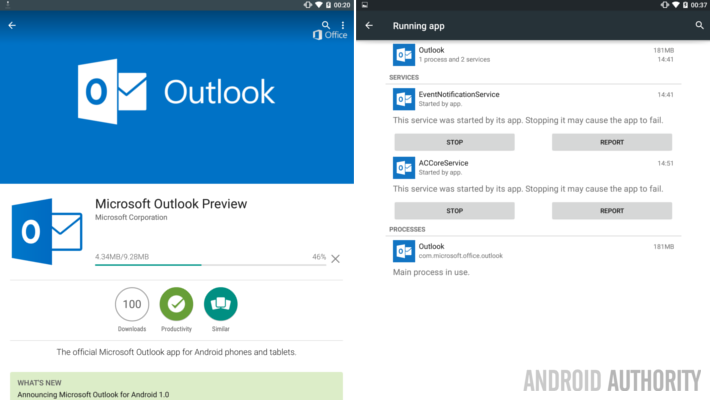
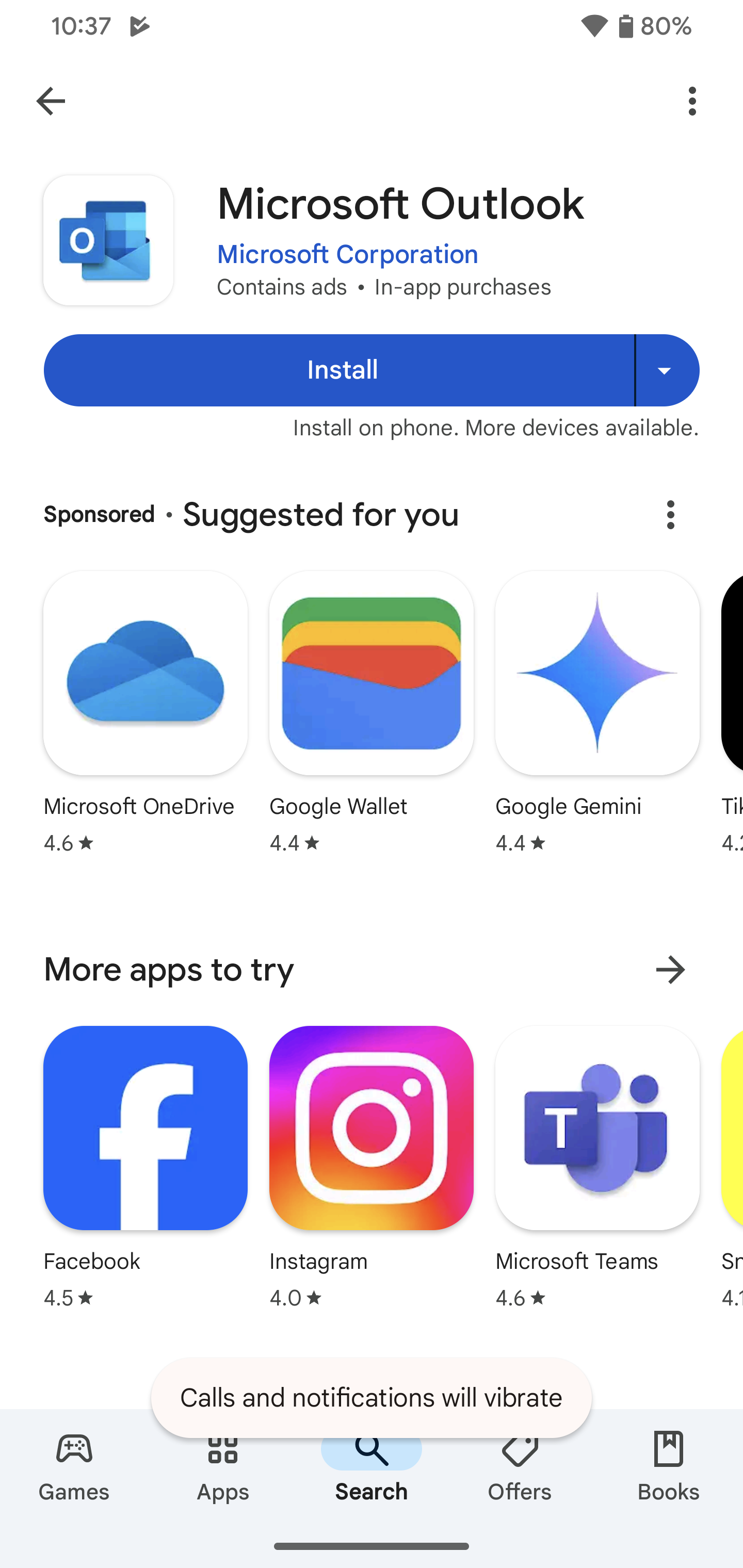
Open the Google Play Store, search for "Microsoft Outlook," and check if there is an "Update" button. If the button says "Open," you are likely on the most recent version compatible with your device. However, double-check the "What's New" section to see the version number.
3. Backup Critical Data
While Outlook stores most data in the cloud, ensure that your "Offline" folders or drafts are synced. Log in to Outlook on a desktop to verify that everything you see on your phone is reflected on the server. This prevents data loss during the app re-installation process.
Potential Challenges and How to Overcome Them
Any large-scale software retirement comes with hurdles. Some users may find that the new app feels "heavier" or consumes more battery. This is often due to the increased background synchronization required for real-time features. To mitigate this, you can go into the app settings and adjust the sync frequency or disable certain notifications.
For enterprise users, the transition might require IT department intervention. If your company uses Mobile Device Management (MDM) software like Intune, the update might be pushed automatically. However, if you are using a "Bring Your Own Device" (BYOD) policy, you are responsible for ensuring your app meets the new compliance standards set by Microsoft.
The Impact on Tablet Users
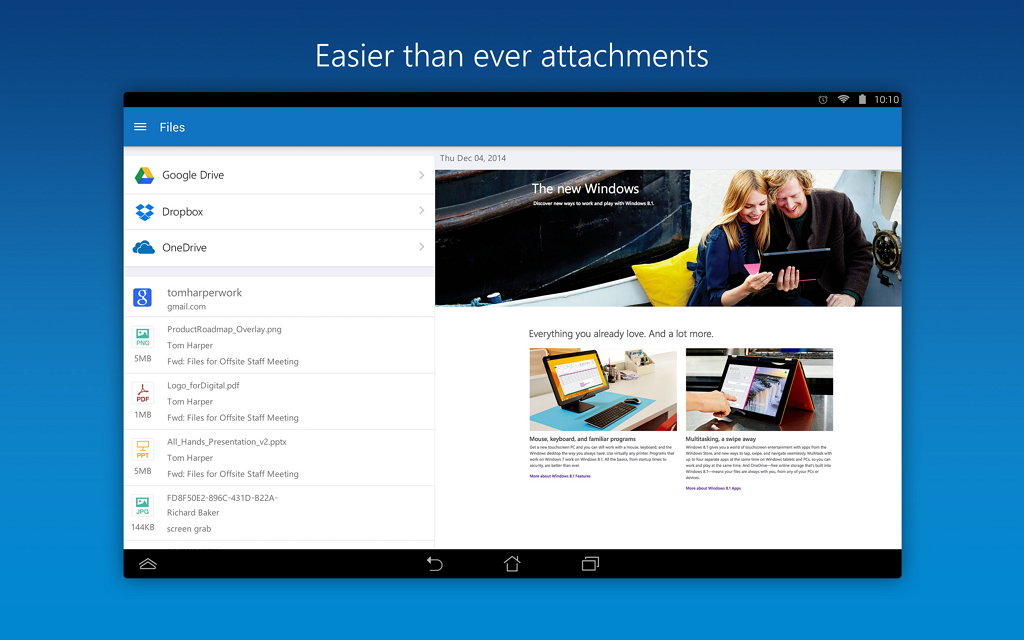
Android tablet users will see the biggest benefit from this shutdown and transition. The new Outlook app is optimized for large screens, offering a multi-pane view that mimics the desktop experience. If you have been using the phone-scaled version of Outlook on your tablet, the 6-week transition is actually a significant upgrade for your productivity.
Comparing Outlook to Other Android Email Clients
If you are frustrated by Microsoft's mandatory updates, you might be considering a switch. However, when looking at the competition, Outlook remains a powerhouse for business integration.
- Gmail: Excellent for personal use, but lacks the deep integration with Word, Excel, and Teams that Outlook provides.
- Spark: Offers great AI features but may raise privacy concerns for corporate data.
- Samsung Mail: A solid native alternative, but it often lags behind in supporting the latest Microsoft 365 enterprise features.
The "New Outlook" is designed to keep you within the Microsoft ecosystem securely, which is something third-party apps often struggle with due to API limitations.
Frequently Asked Questions (FAQ)
1. Will my emails be deleted after the 6-week deadline?
No, your emails, contacts, and calendar events are stored on Microsoft’s servers. Only the access via the old app will be cut off. You can still access your data through the web or a newer version of the app.
2. What if my phone doesn't support the new version of Outlook?
If your hardware is too old to run the latest Outlook app, you can use your phone's mobile browser to go to outlook.com. Alternatively, you can try using a third-party email client that supports IMAP/SMTP, though you will lose many Microsoft-specific features.
3. Is Microsoft Outlook Lite also being shut down?
In many regions, Microsoft is encouraging Lite users to move to the main app as it has been optimized to perform better on low-end devices. Check your local Play Store listings for specific availability updates.
4. Do I have to pay for the new version?
No, the Outlook app remains free to download. However, certain advanced features and increased storage require a Microsoft 365 subscription, just like the previous versions.
Conclusion: Stay Ahead of the Curve
The announcement that Microsoft shuts down Outlook app access for older Android setups in 6 weeks serves as a wake-up call for users to modernize their mobile software. While change can be inconvenient, the move toward a unified, secure, and AI-ready platform is a net positive for the user base. By consolidating their efforts into a single, high-performing application, Microsoft is ensuring that Android users have the best possible tools to manage their professional and personal lives.
To avoid a last-minute scramble, take five minutes today to check your app version and Android OS settings. Ensuring your device is ready for the transition will guarantee a seamless shift to the new era of Outlook mobile. Remember, the digital world moves fast—staying updated is the only way to stay secure and productive.
Microsoft Shuts Down Outlook App For Android Users In 6 Weeks
Microsoft Shuts Down Outlook App For Android Users In 6 Weeks Wallpapers
Collection of microsoft shuts down outlook app for android users in 6 weeks wallpapers for your desktop and mobile devices.

High-Quality Microsoft Shuts Down Outlook App For Android Users In 6 Weeks Image in HD
Experience the crisp clarity of this stunning microsoft shuts down outlook app for android users in 6 weeks image, available in high resolution for all your screens.

Gorgeous Microsoft Shuts Down Outlook App For Android Users In 6 Weeks Artwork Collection
Find inspiration with this unique microsoft shuts down outlook app for android users in 6 weeks illustration, crafted to provide a fresh look for your background.

Exquisite Microsoft Shuts Down Outlook App For Android Users In 6 Weeks Capture Illustration
A captivating microsoft shuts down outlook app for android users in 6 weeks scene that brings tranquility and beauty to any device.
Gorgeous Microsoft Shuts Down Outlook App For Android Users In 6 Weeks Moment Nature
Find inspiration with this unique microsoft shuts down outlook app for android users in 6 weeks illustration, crafted to provide a fresh look for your background.

Serene Microsoft Shuts Down Outlook App For Android Users In 6 Weeks Moment for Desktop
Discover an amazing microsoft shuts down outlook app for android users in 6 weeks background image, ideal for personalizing your devices with vibrant colors and intricate designs.
Serene Microsoft Shuts Down Outlook App For Android Users In 6 Weeks View Collection
Explore this high-quality microsoft shuts down outlook app for android users in 6 weeks image, perfect for enhancing your desktop or mobile wallpaper.
Breathtaking Microsoft Shuts Down Outlook App For Android Users In 6 Weeks Wallpaper Art
Discover an amazing microsoft shuts down outlook app for android users in 6 weeks background image, ideal for personalizing your devices with vibrant colors and intricate designs.
Vibrant Microsoft Shuts Down Outlook App For Android Users In 6 Weeks Artwork in 4K
Experience the crisp clarity of this stunning microsoft shuts down outlook app for android users in 6 weeks image, available in high resolution for all your screens.
Dynamic Microsoft Shuts Down Outlook App For Android Users In 6 Weeks Moment Concept
Immerse yourself in the stunning details of this beautiful microsoft shuts down outlook app for android users in 6 weeks wallpaper, designed for a captivating visual experience.
Gorgeous Microsoft Shuts Down Outlook App For Android Users In 6 Weeks View Illustration
A captivating microsoft shuts down outlook app for android users in 6 weeks scene that brings tranquility and beauty to any device.
Beautiful Microsoft Shuts Down Outlook App For Android Users In 6 Weeks Abstract for Desktop
Experience the crisp clarity of this stunning microsoft shuts down outlook app for android users in 6 weeks image, available in high resolution for all your screens.
Lush Microsoft Shuts Down Outlook App For Android Users In 6 Weeks View for Your Screen
A captivating microsoft shuts down outlook app for android users in 6 weeks scene that brings tranquility and beauty to any device.

Lush Microsoft Shuts Down Outlook App For Android Users In 6 Weeks Background Collection
Find inspiration with this unique microsoft shuts down outlook app for android users in 6 weeks illustration, crafted to provide a fresh look for your background.
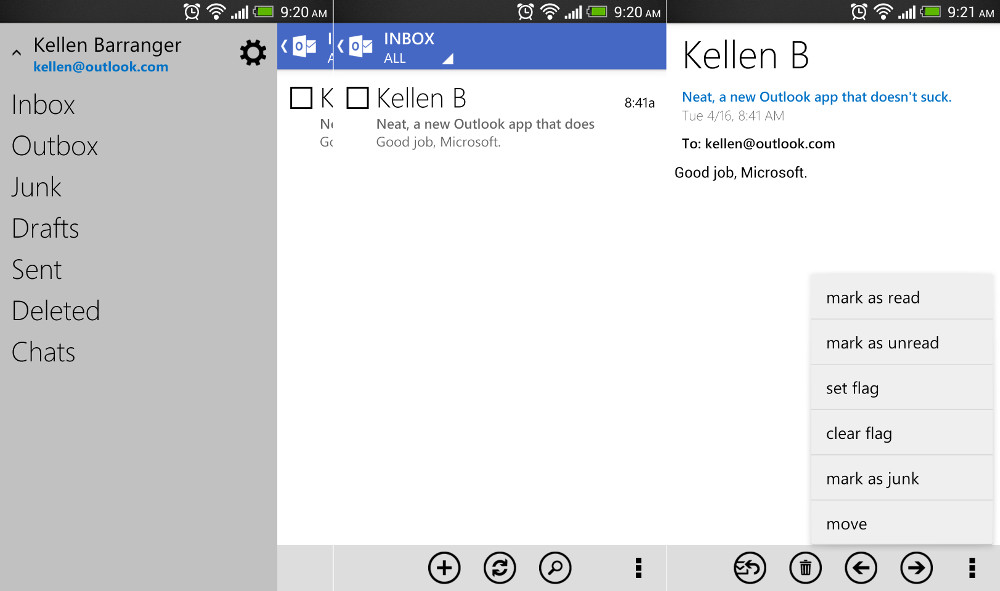
Gorgeous Microsoft Shuts Down Outlook App For Android Users In 6 Weeks Abstract for Your Screen
A captivating microsoft shuts down outlook app for android users in 6 weeks scene that brings tranquility and beauty to any device.
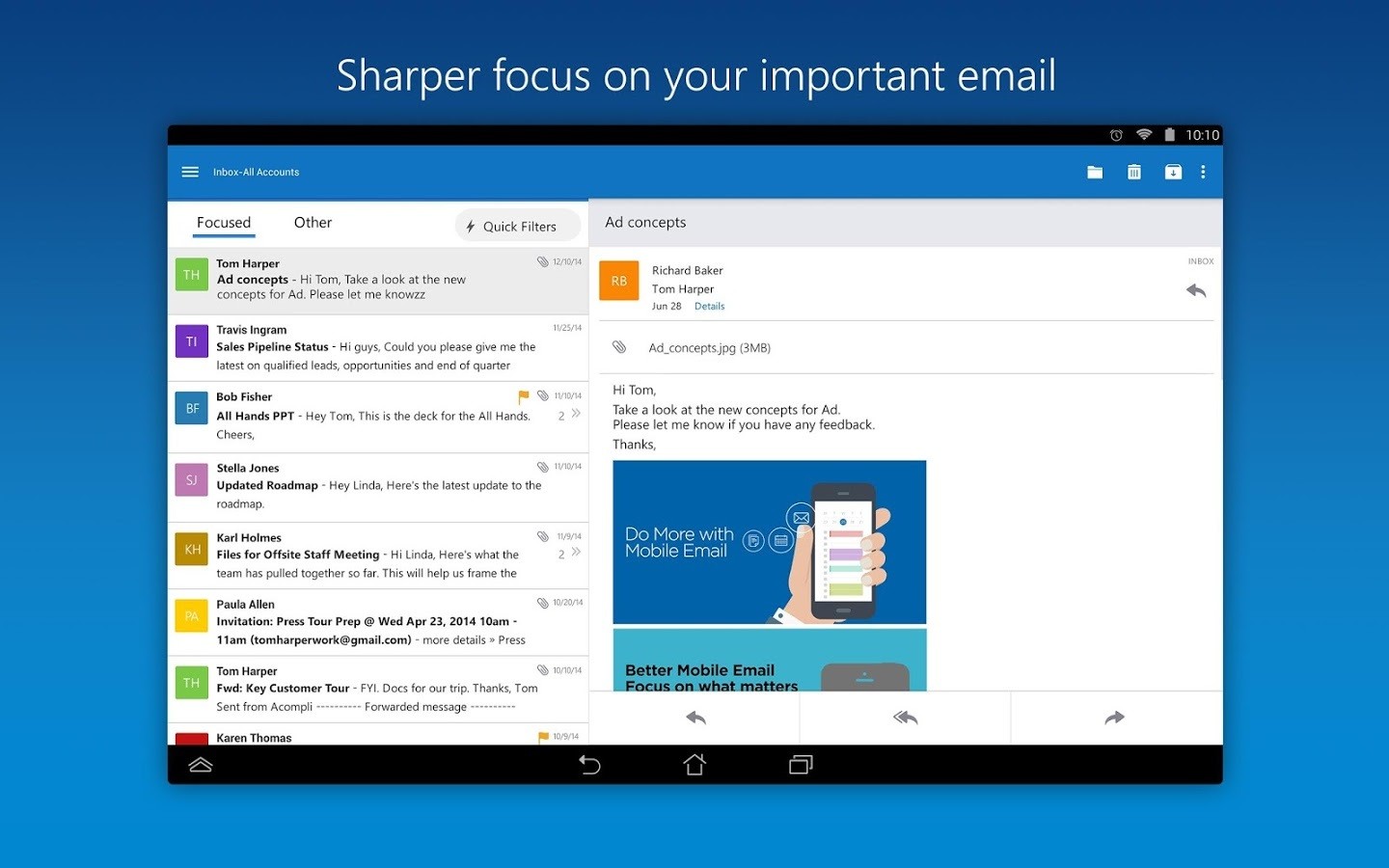
Gorgeous Microsoft Shuts Down Outlook App For Android Users In 6 Weeks Scene Digital Art
Immerse yourself in the stunning details of this beautiful microsoft shuts down outlook app for android users in 6 weeks wallpaper, designed for a captivating visual experience.

Gorgeous Microsoft Shuts Down Outlook App For Android Users In 6 Weeks Image Nature
Immerse yourself in the stunning details of this beautiful microsoft shuts down outlook app for android users in 6 weeks wallpaper, designed for a captivating visual experience.
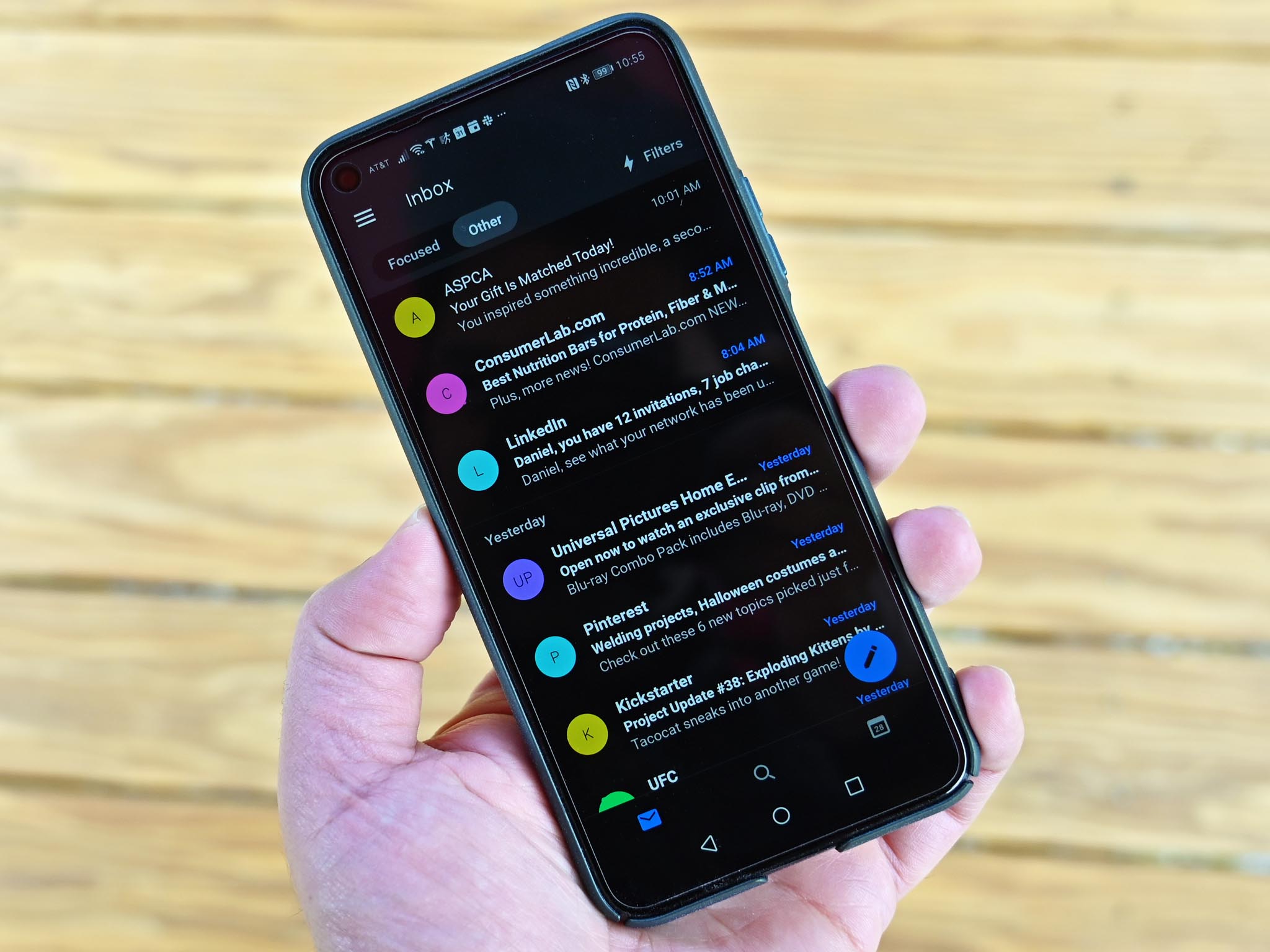
Lush Microsoft Shuts Down Outlook App For Android Users In 6 Weeks Design for Desktop
This gorgeous microsoft shuts down outlook app for android users in 6 weeks photo offers a breathtaking view, making it a perfect choice for your next wallpaper.

Vivid Microsoft Shuts Down Outlook App For Android Users In 6 Weeks Artwork for Desktop
Discover an amazing microsoft shuts down outlook app for android users in 6 weeks background image, ideal for personalizing your devices with vibrant colors and intricate designs.
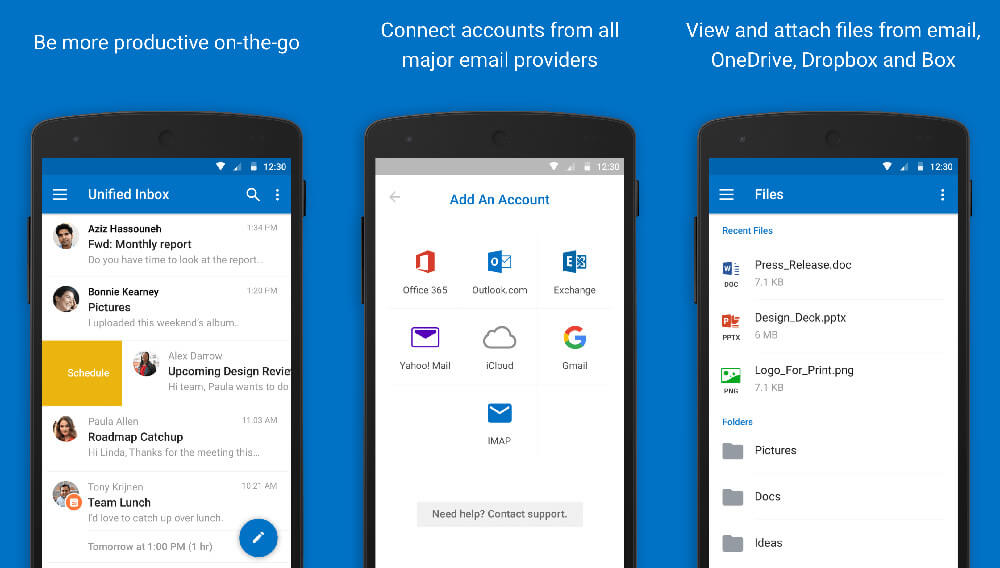
Mesmerizing Microsoft Shuts Down Outlook App For Android Users In 6 Weeks Capture for Your Screen
Transform your screen with this vivid microsoft shuts down outlook app for android users in 6 weeks artwork, a true masterpiece of digital design.

Vibrant Microsoft Shuts Down Outlook App For Android Users In 6 Weeks Design Nature
Experience the crisp clarity of this stunning microsoft shuts down outlook app for android users in 6 weeks image, available in high resolution for all your screens.
Download these microsoft shuts down outlook app for android users in 6 weeks wallpapers for free and use them on your desktop or mobile devices.